How to Remove Mineral Buildup From a Whole-House Humidifier
Key Takeaways
- Shut off the humidifier’s power and water supply before opening or cleaning it.
- On bypass and fan-powered models, remove accessible mineral deposits from the distribution tray and housing with warm water and a soft brush.
- Replace a clogged or disposable water panel rather than assuming it can be restored by soaking it.
- Use vinegar or another descaler only when the owner’s manual approves it for that specific part and model.
- Steam humidifiers need model-specific canister service; Trane recommends professional maintenance for steam units.
Table of Contents
- What causes mineral buildup in a whole-house humidifier?
- Before cleaning: identify the humidifier and make it safe
- How to remove scale from a bypass or fan-powered humidifier
- Should you clean or replace the water panel?
- How to clean the drain and check water flow
- Steam humidifiers need a different cleaning approach
- Restart the humidifier and verify the result
- Choose the right approach for your situation
- Common mineral-cleaning mistakes to avoid
- Frequently Asked Questions
- Key points to remember
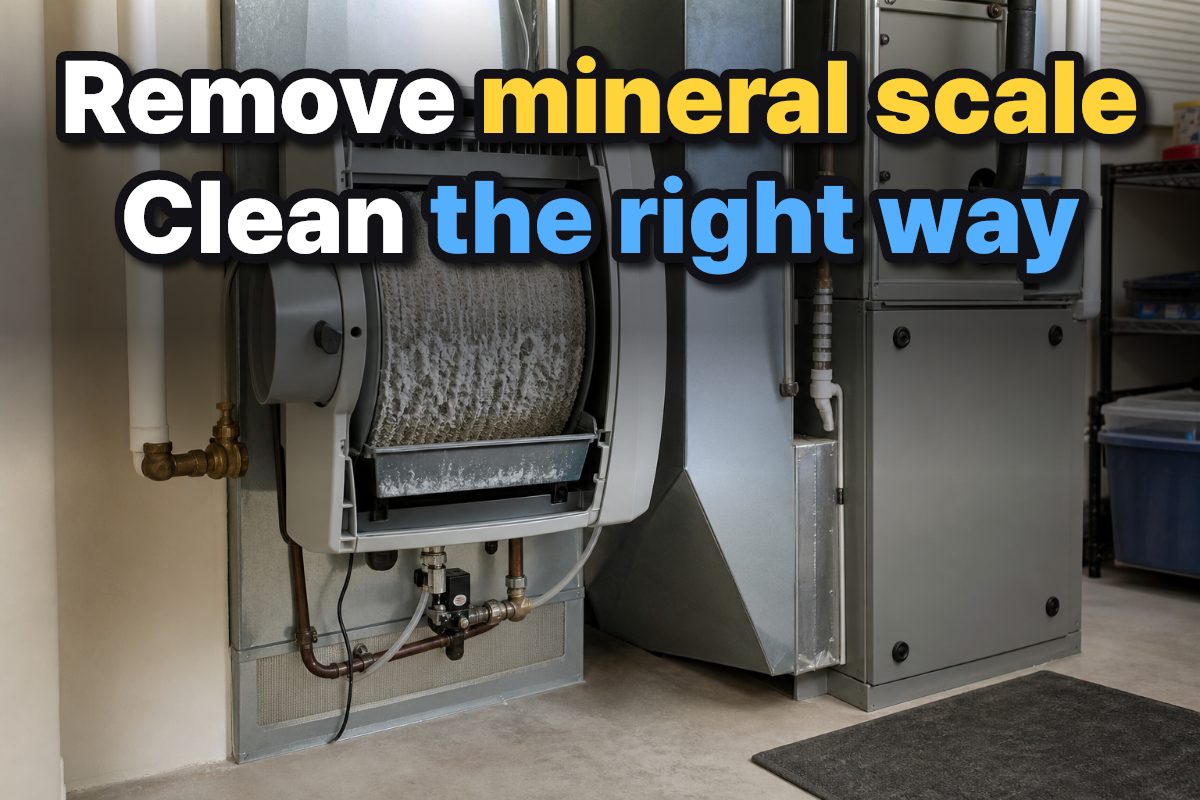
To remove mineral buildup from a whole-house humidifier, first shut off power and water, then clean only the accessible parts your model’s instructions permit. For many bypass and fan-powered units, the distribution tray and housing can be gently cleaned with warm water and a soft brush; a mineral-clogged water panel may need replacement instead. Steam humidifiers have different service requirements, so don’t treat them like evaporative models.
What causes mineral buildup in a whole-house humidifier?
Mineral buildup is the residue left behind as water passes through humidifier components and some of its minerals collect on surfaces or the water panel. Bryant identifies the housing and water-distribution components as cleaning points, while Carrier notes that evaporator pads trap minerals from the water supply.
Deposits can interfere with water movement through the distribution tray or drain, and a clogged panel can limit the humidifier’s operation. The visible scale is a useful maintenance clue, but it does not tell you by itself whether every part should be cleaned, soaked, or replaced. That depends on the humidifier design and the part’s instructions.
| What you find | What it may mean | Practical next step |
|---|---|---|
| Scale on an accessible distribution tray | Mineral deposits have collected where water is distributed. | Remove the tray if the manual allows it and gently brush it with warm water. |
| A dirty or clogged water panel | The evaporative surface may be restricted by mineral buildup. | Inspect it and follow the model’s cleaning or replacement instructions. |
| Scale or blockage near a drain | Water may not be flowing freely through the drain path. | Inspect for visible obstruction and clear or flush only as the manual permits. |
| A steam canister or internal electrical parts | The unit uses a different cleaning and service arrangement. | Follow the owner’s manual; do not open or work on energized components. |
Mineral scale is not the same thing as a worn-out water panel. A disposable panel can remain clogged after surface deposits are brushed, so judge it by the manufacturer’s replacement instructions and its condition rather than by appearance alone.
Before cleaning: identify the humidifier and make it safe
Start by finding the model information and identifying whether the unit is a bypass, fan-powered, or steam humidifier. The parts and service steps differ. Trane advises locating the humidifier name and model number, often found on the back of the device, before buying a replacement pad.
Carrier and Trane both advise shutting off power before maintenance; Trane also says to turn off the water supply. Use the switches or shutoffs identified for your equipment, then follow the manual’s directions for opening the cover. Do not remove covers or handle internal electrical parts while the unit is energized.
- Read the model’s cleaning instructions. Identify which components are removable and whether cleaning products or descaling methods are approved.
- Shut off power and water. Carrier recommends turning off power before working on an HVAC-integrated humidifier, and Trane includes both water and power shutoff in its maintenance steps.
- Open only the serviceable section. Remove the front cover or water-panel housing as directed by the model instructions. Don’t force a latch or tray that does not release normally.
- Set aside removable parts for inspection. Keep track of their orientation and placement so they can be reinstalled in the correct position.
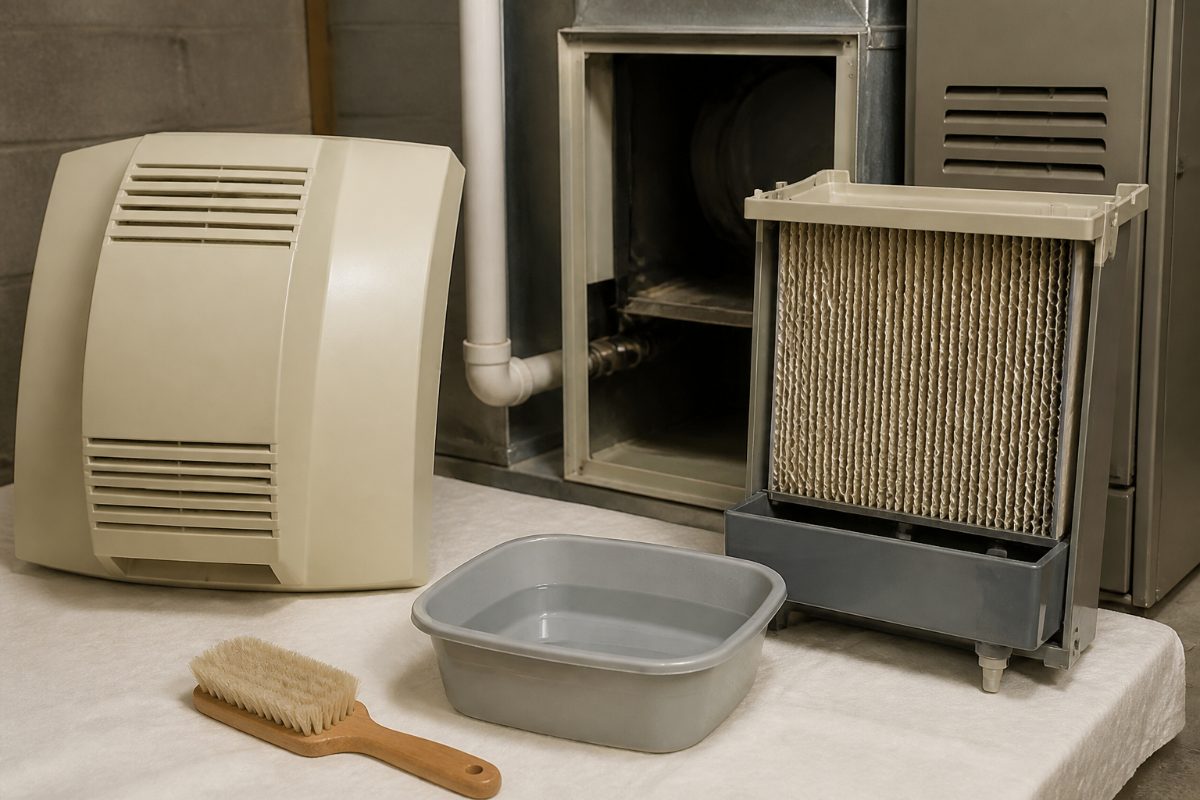
A common mistake is reaching for vinegar or a household descaler before checking compatibility. Bryant cautions against harsh chemicals and recommends using only cleaning products or descaling methods approved for the particular humidifier model. Trane describes a water-and-vinegar mixture for an evaporator screen pad, but that guidance should not be treated as permission to use vinegar on every panel, tray, coating, or steam component.
How to remove scale from a bypass or fan-powered humidifier
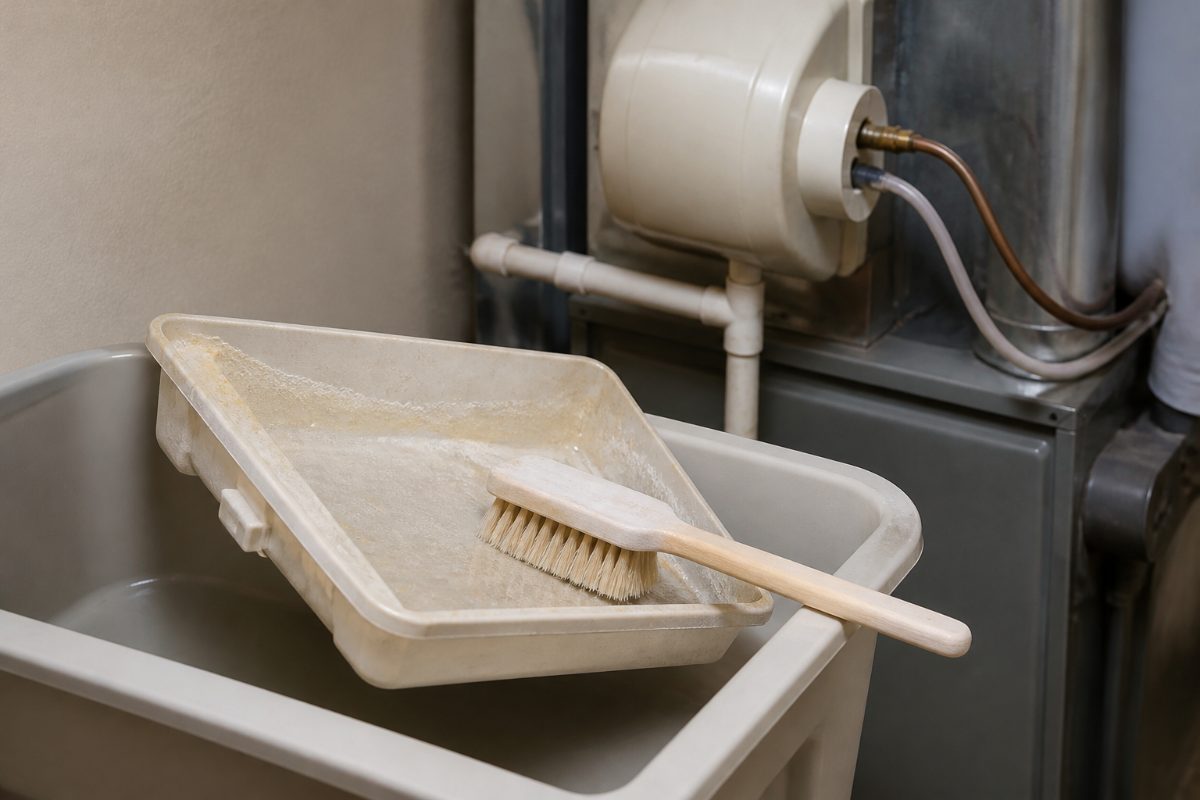
For Bryant Preferred Series bypass and fan-powered units, Bryant’s maintenance guidance starts with removing the water-panel housing and inspecting the distribution tray, drain pan, and accessible surfaces. It recommends warm water and a soft brush to gently remove mineral buildup, including from the distribution tray.
Use this as a general sequence for an evaporative unit only when its own manual permits the same access and cleaning method. The goal is to loosen deposits without damaging the tray, panel, or housing. Scraping aggressively can damage a component, while leaving deposits in the tray can restrict water distribution.
- Inspect before brushing. Look at the distribution tray, drain pan, and reachable housing surfaces. Note where scale is concentrated and whether the drain opening appears obstructed.
- Brush gently with warm water. Use a soft brush on accessible deposits. Work gradually rather than forcing scale off with a hard tool or abrasive pad.
- Rinse removable parts as directed. Keep loosened deposits from collecting in the drain path. If the manual allows rinsing, use water and let excess water drain before reinstalling.
- Check the drain route. Carrier recommends inspecting water supply and drain lines for visible leaks or blockages. Trane advises flushing and clearing blockages from the strainer and drain hose when applicable.
- Reassemble in the original arrangement. Trane’s evaporative-unit instructions call for aligning the feed tube and drain with their receiving points when reinstalling the assembly. Use your model’s manual for the exact fit and orientation.
Do not pour a cleaning solution into the humidifier and assume it will clear the system. It can leave residue or reach a component that the manufacturer does not approve for that product. Clean removable parts individually only when the instructions permit it, and keep the water path and drain clear of loosened scale.
Should you clean or replace the water panel?
A water panel, also called an evaporator pad or evaporator screen, is the part that water passes through as moisture is added to the HVAC airflow. It also collects minerals. Carrier says evaporator pads trap minerals and should be replaced regularly; its general guidance is annual replacement, typically before the heating season.
Some manufacturers provide a cleaning method for a particular reusable or screen-style pad. Trane says to clean an evaporator screen pad with a 1:3 solution of water to vinegar, or replace it, and its model-specific procedure includes lightly scraping or brushing deposits. Because other manufacturers may specify a different method, use that ratio only when the instructions for your own model and pad allow it.
| Panel condition | Safer decision | Why |
|---|---|---|
| Manual identifies the panel as replaceable or disposable | Replace it according to the model’s instructions. | Minerals can clog the media; cleaning may not restore the intended water flow. |
| Manual explicitly permits cleaning the panel | Use only the specified cleaner and method. | Panel materials and approved treatments are not universal. |
| Panel is visibly clogged or damaged | Compare its condition with the manufacturer’s replacement guidance. | A panel that is restricted or worn may not perform as intended. |
| Panel type or instructions are unclear | Use the model number to find the owner’s manual before treating it. | Guessing can lead to using an incompatible cleaner or reinstalling the wrong part. |
Carrier’s annual recommendation is a general maintenance interval, not a substitute for the humidifier’s own schedule. Kliemann Brothers also advises inspecting the pad and replacing it when it is dirty or clogged. If a panel is designed to be replaced, brushing it is not a reliable alternative to following the replacement instructions.
How to clean the drain and check water flow
Mineral deposits are not limited to the water panel. Bryant specifically includes the drain in its cleaning framework, and Carrier recommends inspecting the water supply and drain lines for visible leaks or blockages. A restricted drain or water path can interfere with normal operation even if the tray looks clean.
With the unit shut off, inspect the visible supply line, drain pan, drain hose, and strainer if your model has them. Trane recommends flushing and clearing blockages from the strainer and drain hose. A separate homeowner guide from APHW also recommends flushing a humidifier drain line with water when the unit has one.
- Look for visible mineral deposits, standing water, leaks, or a cracked inlet tube.
- Remove a blockage only from a component the manual identifies as serviceable.
- Flush a drain hose or line with water only if the manufacturer’s instructions allow that step.
- Recheck that the drain path is clear before closing the unit.
Do not treat a leak as ordinary scale removal. Trane advises checking the water inlet tube for leaks or cracks and having a damaged tube replaced by an HVAC professional. If a line is cracked, a component is damaged, or water is escaping from an area you cannot identify, stop cleaning and arrange appropriate service rather than applying sealant or forcing the part back into place.
Steam humidifiers need a different cleaning approach
A steam humidifier is not a bypass or fan-powered evaporative unit, so the tray-and-pad cleaning steps do not automatically apply. Bryant directs owners of its Preferred Series Steam Humidifier to follow the owner’s manual for cleaning and replacing the steam canister, and warns against servicing energized electrical components.
Trane states that steam humidifiers should be cleaned and maintained by an HVAC professional. For a steam model, use the unit’s manual to identify permitted owner maintenance and the canister’s service instructions. Do not open electrical sections, improvise a descaling mixture, or transfer instructions for an evaporator pad to a steam canister.
This distinction prevents a frequent maintenance error: treating all whole-house humidifiers as if they contain the same water panel. If the unit has a steam canister rather than an evaporative assembly, pause and follow the steam-specific directions. The internal parts and cleaning procedure are model-specific.
Restart the humidifier and verify the result
After cleaning, confirm that removable parts are seated correctly and the cover is back in place before restoring power and water. Trane’s evaporative-unit instructions include reinstalling the assembly, aligning the feed tube and drain, replacing the front cover, and then turning the unit back on and testing its operation.
Use a short, methodical check rather than assuming the job is complete as soon as the cover closes:
- Confirm the panel or canister and distribution parts are installed in the positions required by the manual.
- Check that the feed tube and drain are aligned where the model instructions specify.
- Restore the water supply and power as directed.
- Reset or adjust the humidifier controls if the manual calls for it, then verify that the unit receives water and operates when the system calls for humidity. Carrier recommends checking operation after maintenance.
- Look over the accessible supply and drain connections for visible leaks while the unit is operating.
If the humidifier does not receive water, continues to leak, or fails to operate after reassembly, stop repeating the cleaning cycle. Carrier lists water-flow problems and mineral-clogged components among issues that can affect operation; the next useful step is to identify whether the cause is a blocked line, a panel needing replacement, or a separate component problem.
Choose the right approach for your situation
The safest method depends less on how much scale you see than on the humidifier type and the instructions for the affected part. A first-time cleaner should focus on identification and safe access; someone who has maintained the same evaporative unit before can use the model’s procedure to inspect the tray, panel, and drain in one pass.
| Your situation | Best next move | Avoid |
|---|---|---|
| First time opening the unit | Find the model number, read the manual, and identify the water panel or steam canister before removing parts. | Guessing how a tray unlatches or applying a generic descaler. |
| Light scale on a removable evaporative tray | Use warm water and a soft brush if the manual allows it. | Hard scraping that could damage the tray or housing. |
| Panel looks clogged | Follow the specified cleaning or replacement schedule; Carrier’s general guidance calls for annual replacement. | Assuming a disposable pad can be restored by soaking it. |
| Steam unit or electrical concern | Use steam-specific instructions and keep away from energized components; Trane recommends professional maintenance for steam units. | Using evaporative-unit cleaning steps on a steam canister. |
| Water leak or damaged inlet tube | Stop, identify the visible problem, and arrange repair for damaged parts. | Continuing to run the humidifier or attempting an improvised repair. |
For routine seasonal care, Carrier recommends annual HVAC maintenance and generally recommends replacing evaporator pads annually, typically before the heating season. If your water panel’s condition or the maker’s schedule calls for attention sooner, use those model-specific directions instead of waiting for a calendar date.
Common mineral-cleaning mistakes to avoid
Using vinegar on every part: Trane gives a vinegar mixture for a particular evaporator screen pad, while Bryant says to use only cleaning products or descaling methods approved for the specific model. The correct lesson is to check the part instructions, not to treat vinegar as a universal cleaner.
Cleaning a panel that should be replaced: Mineral deposits can clog evaporator media. Carrier recommends regular replacement, and Kliemann Brothers advises replacing a dirty or clogged pad. Follow the replacement guidance when the panel is disposable or no longer in suitable condition.
Forgetting the drain: A clean distribution tray does not prove the drain is clear. Inspect the accessible drain route and flush it only as the model instructions permit.
Working before shutting off power: Carrier and Trane both place power shutoff before maintenance. Trane also advises shutting off the water supply; Bryant warns not to service energized electrical components on steam units.
Assuming every whole-house humidifier is the same: Evaporative panels, distribution trays, and steam canisters have different maintenance requirements. Identify the model and design before choosing a cleaning method.
Frequently Asked Questions
Can I use vinegar to remove mineral buildup from a whole-house humidifier?
Only if the owner’s manual approves vinegar for the specific component. Trane describes a 1:3 water-to-vinegar solution for an evaporator screen pad, while Bryant advises using only model-approved cleaners and descaling methods.
Should I clean or replace a mineral-covered water panel?
Follow the panel’s instructions: some parts have an approved cleaning method, while disposable or clogged panels may need replacement. Carrier’s general guidance is to replace evaporator pads annually, typically before the heating season.
Do I need to shut off the water before cleaning?
Trane advises turning off the water supply and disconnecting power before working on the humidifier. Carrier also recommends shutting off power before maintenance; follow your model’s shutoff instructions before opening it.
Can I clean a steam humidifier myself?
Steam humidifiers use different service steps from evaporative models. Bryant directs owners to the manual for steam-canister cleaning and replacement, and Trane recommends professional maintenance for steam units.
What should I do if the humidifier still leaks after cleaning?
Stop the cleaning process and inspect only the visible, serviceable connections for a blockage, crack, or loose alignment. Trane advises replacing a cracked or leaking water inlet tube through an HVAC professional rather than continuing to operate the unit.
Key points to remember
- Identify the humidifier type and model before choosing a cleaner or opening the housing.
- Shut off power and water before maintenance, then clean accessible evaporative parts gently with warm water and a soft brush when permitted.
- Do not assume a mineral-clogged water panel can be cleaned back to service; follow its replacement instructions.
- Keep the drain path clear, reinstall parts in the specified orientation, and verify water flow and operation after reassembly.
- Use steam-specific instructions for a steam humidifier; do not apply evaporative-pad procedures to a steam canister.
For dates and replacement intervals, the humidifier’s owner’s manual takes priority over general advice. Carrier’s maintenance guidance recommends annual evaporator-pad replacement, typically before the heating season, while Bryant emphasizes model-approved cleaning and replacement procedures.
References
- Whole House Humidifier Maintenance Guide | Bryant
- Whole-Home Humidifier Maintenance Guide | Expert Tips
- Maintenance Tips For Whole House Humidifiers
- Furnace Humidifier Maintenance: A Homeowner'S Guide
- How to Clean and Maintain a Whole-House Humidifier - Trane®
Information in this post was checked as of October 2026. Policies and prices may change, so please verify important details with official sources.


Comments
Post a Comment