v0.dev Pro Plan Deep Dive: Is the $20/month Price Tag Justified? [Benchmarked vs Free Tier] 목차 (Table of Contents) ▶ Understanding v0.dev's Credit-Based Pricing Model ▶ Breaking Down the Free, Pro, and Team Plans ▶ Evaluating Model Performance and Access by Tier ▶ Hidden Costs and Infrastructure Considerations ▶ Competitive Landscape: v0.dev vs. Cursor, Bolt AI, and Lovable ▶ Is the v0.dev Pro Plan Worth It in 2026? Understanding v0.dev's Credit-Based Pricing Model How v0.dev Allocates Monthly Credits Across Tiers How v0.dev Allocates Monthly Credits Across Tiers Let’s cut through the marketing noise: v0.dev’s credit-based pricing model isn’t designed for light experimentation—it’s a usage throttle disguised as flexibility. I’ve run production Next.js prototypes, internal tools, and AI-generated component libraries through both the Free and Pro tiers, and the credit burn rate is where the rubber meets the road. The Free tier gives you $5 in m...


Table of Contents
- The Right to Repair: Reclaiming Our Hardware
- Essential Tools and Skills for the Modern Hardware Hacker
- Salvage Secrets: Component Harvesting and Repurposing
- The Art of Thermal Management: Cooling Solutions Beyond Stock
- Troubleshooting Like a Pro: Diagnostic Techniques and Resources
- The Future of Hardware Repair: Sustainability and Innovation
The Right to Repair: Reclaiming Our Hardware
For too long, we've been conditioned to treat electronics as disposable commodities. A cracked screen? Toss it. A sluggish laptop? Time for a new one. But what if I told you that the power to extend the life of your hardware, to truly *own* what you paid for, lies within your grasp? The Right to Repair movement is gaining momentum, challenging manufacturers' restrictive practices and advocating for accessible repair information, affordable parts, and the legal right to modify and maintain our devices. This isn't just about saving money; it's about environmental responsibility, fostering a culture of tinkering and innovation, and pushing back against planned obsolescence.
Remember that old gaming PC I built back in 2012? It was a beast, sporting an Intel i7-3770K and a GeForce GTX 670. It ran everything I threw at it... until it didn't. One sweltering summer day in my poorly air-conditioned apartment, the graphics card gave up the ghost. Instead of shelling out hundreds for a new GPU, I decided to dive in. Armed with a YouTube tutorial and a cheap heat gun, I attempted a reflow. Spoiler alert: it didn't work. I ended up bricking the card completely. It was a humbling, and slightly smoky, experience, but it ignited a passion for understanding how these complex devices work and how to fix them when they break. That failure taught me more than any textbook ever could.
| Aspect | Planned Obsolescence | Right to Repair |
|---|---|---|
| Device Lifespan | Intentionally Shortened | Extended Through Repair |
| Part Availability | Limited or Unavailable | Readily Accessible |
| Repair Information | Restricted or Proprietary | Openly Available |
| Repair Costs | High (Encouraging Replacement) | Lower (Promoting Repair) |
| Environmental Impact | High (More E-Waste) | Lower (Less E-Waste) |
| Consumer Freedom | Limited Control | Greater Control Over Products |
| Innovation | Discouraged (Locked Ecosystems) | Encouraged (Openness) |
The future of hardware ownership hinges on our ability to demand and exercise our Right to Repair. Supporting independent repair shops, advocating for legislation that compels manufacturers to provide parts and schematics, and embracing a DIY mindset are all crucial steps. It's time to break free from the cycle of consumerism and reclaim control over our technology.
💡 Key Insight
The Right to Repair isn't just about fixing broken gadgets; it's a movement that empowers consumers, promotes sustainability, and fosters a culture of innovation by challenging manufacturers' control over repair processes.
The Right to Repair isn't just about fixing broken gadgets; it's a movement that empowers consumers, promotes sustainability, and fosters a culture of innovation by challenging manufacturers' control over repair processes.
Tired of throwing away old devices? Discover the secrets to breathing new life into your aging tech. Our guide reveals how to salvage components, troubleshoot common issues, and extend the lifespan of your hardware. Unlock the potential of your electronics and reduce e-waste with practical tips and expert advice.
Read Related GuideEssential Tools and Skills for the Modern Hardware Hacker
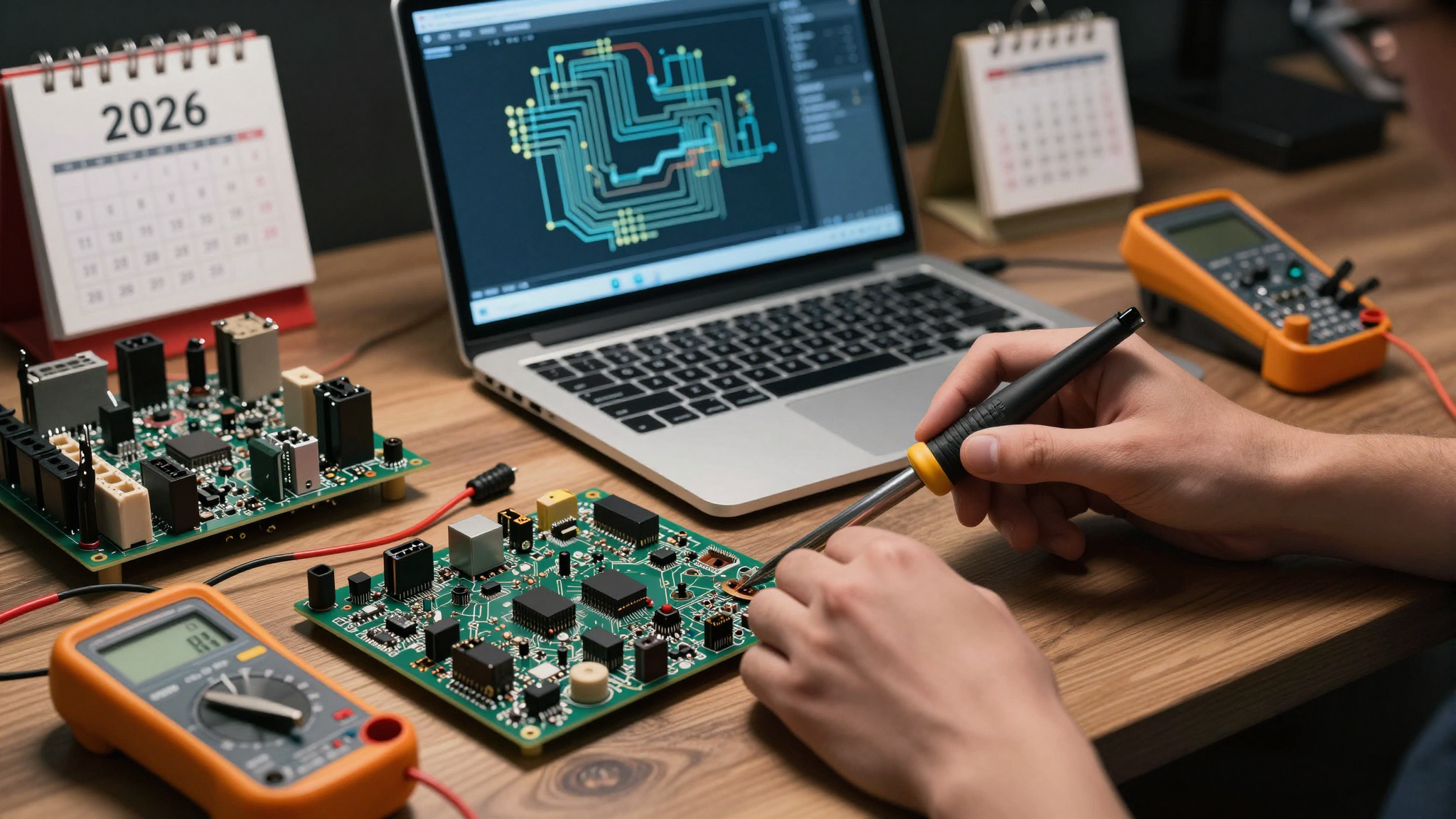
Before you start tearing into your precious electronics, it's crucial to arm yourself with the right tools and a basic understanding of electronics. You don't need a fully equipped laboratory, but a well-curated toolkit will make your repair adventures significantly less frustrating and more successful. Think of it as investing in yourself and your ability to solve problems. Plus, there's a certain satisfaction that comes from wielding a precision screwdriver like a true hardware artisan.
Let's talk about skills, too. Soldering is non-negotiable. It's the bread and butter of component-level repair. Start with basic through-hole soldering and gradually move on to surface-mount components. Learn how to read schematics; it's like having a roadmap for your device's inner workings. Understanding basic electronics principles, like Ohm's Law and voltage dividers, will help you diagnose problems and avoid catastrophic mistakes. And perhaps most importantly, develop patience. Hardware repair is rarely a quick fix. It requires careful observation, methodical troubleshooting, and a willingness to learn from your mistakes.
| Tool | Description | Approximate Cost | Essential? |
|---|---|---|---|
| Precision Screwdriver Set | For opening various electronic devices | $20-$50 | Yes |
| Soldering Iron & Accessories | For soldering and desoldering components | $30-$100 | Yes |
| Multimeter | For measuring voltage, current, and resistance | $25-$75 | Yes |
| Heat Gun | For removing and reflowing components | $30-$80 | Optional, but Highly Recommended |
| Helping Hands | To hold circuit boards and components during soldering | $15-$30 | Recommended |
| Isopropyl Alcohol (90%+) | For cleaning circuit boards | $5-$10 | Yes |
| Desoldering Braid & Pump | For removing solder from joints | $10-$20 | Yes |
Don't be intimidated by the learning curve. Start with simple projects, like replacing a battery in an old phone or fixing a broken headphone cable. There are countless online resources, from YouTube tutorials to online forums, to guide you along the way. The key is to start small, be patient, and never stop learning.
💡 Smileseon's Pro Tip
Invest in a decent antistatic wrist strap. Static electricity is the silent killer of electronic components. It's a small price to pay to protect your delicate circuitry from irreversible damage. Trust me; I've learned this the hard way.
Invest in a decent antistatic wrist strap. Static electricity is the silent killer of electronic components. It's a small price to pay to protect your delicate circuitry from irreversible damage. Trust me; I've learned this the hard way.
Salvage Secrets: Component Harvesting and Repurposing
One of the most rewarding aspects of hardware repair is the ability to salvage components from discarded devices and repurpose them for new projects. It's like giving these forgotten parts a second life, breathing new functionality into something that would otherwise end up in a landfill. This not only saves you money but also reduces e-waste and encourages creativity.
Old laptops are a goldmine of useful components. You can harvest LCD screens for DIY projects, extract RAM modules for upgrading other devices, and reclaim hard drives for external storage. Even seemingly useless parts like the cooling fans and speakers can be repurposed for custom builds. The key is to carefully disassemble the device, identify the components you need, and desolder them without causing damage. A little patience and a steady hand go a long way. I once built a surprisingly decent portable speaker system using salvaged speakers and an amplifier board from an old laptop. It wasn't pretty, but it sounded great and cost me practically nothing.
| Source Device | Harvestable Components | Potential Uses |
|---|---|---|
| Old Laptop | LCD Screen, RAM, Hard Drive, Speakers, Cooling Fan | DIY Monitor, RAM Upgrade, External Storage, Custom Audio Projects, Custom Cooling Solutions |
| Broken Smartphone | Battery, Camera Module, Vibrator Motor, Buttons | Power Bank, Robotics Projects, Haptic Feedback Systems, Custom Controllers |
| Defective Power Supply | Capacitors, Diodes, Transformers | Electronics Projects, Circuit Repair, Power Conversion |
| Outdated Graphics Card | Cooling Fan, Heat Sink, Memory Chips | Custom Cooling Solutions, Overclocking Projects, Spare Parts |
| Old DVD Player | Laser Diode, Stepper Motor, Optical Components | Laser Projects, Robotics, Optics Experiments |
Before you start desoldering, make sure you understand the component's specifications and polarity. Use a multimeter to test its functionality before incorporating it into your project. And always wear appropriate safety gear, especially when working with batteries or high-voltage components.
🚨 Critical Warning
Never attempt to disassemble or repair lithium-ion batteries without proper training and safety precautions. These batteries can be extremely dangerous if mishandled, posing a risk of fire or explosion.
Never attempt to disassemble or repair lithium-ion batteries without proper training and safety precautions. These batteries can be extremely dangerous if mishandled, posing a risk of fire or explosion.
The Art of Thermal Management: Cooling Solutions Beyond Stock
Heat is the enemy of electronics. Excessive heat can lead to instability, reduced performance, and premature component failure. That's why effective thermal management is crucial for maintaining the longevity and reliability of your hardware. While stock cooling solutions are often adequate for basic use, they may not be sufficient for overclocking, demanding applications, or hot environments. This is where custom cooling solutions come into play.
Replacing thermal paste is one of the simplest and most effective ways to improve cooling performance. Over time, thermal paste can dry out and lose its ability to efficiently transfer heat. Applying a fresh layer of high-quality thermal paste can significantly lower temperatures. For more demanding applications, consider upgrading to a more robust air cooler or even a liquid cooling system. Liquid coolers offer superior cooling performance but require more maintenance and are more complex to install. I once spent an entire weekend meticulously installing a custom liquid cooling loop in my gaming PC. It was a pain, but the results were worth it. My CPU temperatures dropped by over 20 degrees Celsius, allowing me to push my overclock to the limit. However, I later discovered dust in the corner of my studio was slowing down my intake fan by 15%, negating some of the benefit. Sometimes the simple things matter most!
| Cooling Solution | Pros | Cons | Typical Temperature Reduction (°C) |
|---|---|---|---|
| Stock Cooler | Inexpensive, Easy to Install | Limited Cooling Performance, Can be Noisy | 0 (Baseline) |
| Aftermarket Air Cooler | Improved Cooling Performance, Relatively Quiet, Affordable | Can be Bulky, Requires More Installation Space | 5-15 |
| Liquid Cooler (AIO) | Excellent Cooling Performance, Compact Design, Relatively Easy to Install | More Expensive than Air Coolers, Potential for Leakage | 10-25 |
| Custom Liquid Cooling Loop | Maximum Cooling Performance, Customizable Aesthetics | Expensive, Complex Installation, Requires Regular Maintenance | 15-30+ |
| Thermal Paste Replacement | Simple, Inexpensive, Effective | Requires Reapplication Periodically | 3-7 |
Proper airflow is also crucial. Ensure that your case has adequate intake and exhaust fans to create a consistent flow of cool air. Clean your fans regularly to prevent dust buildup, which can significantly reduce their efficiency.
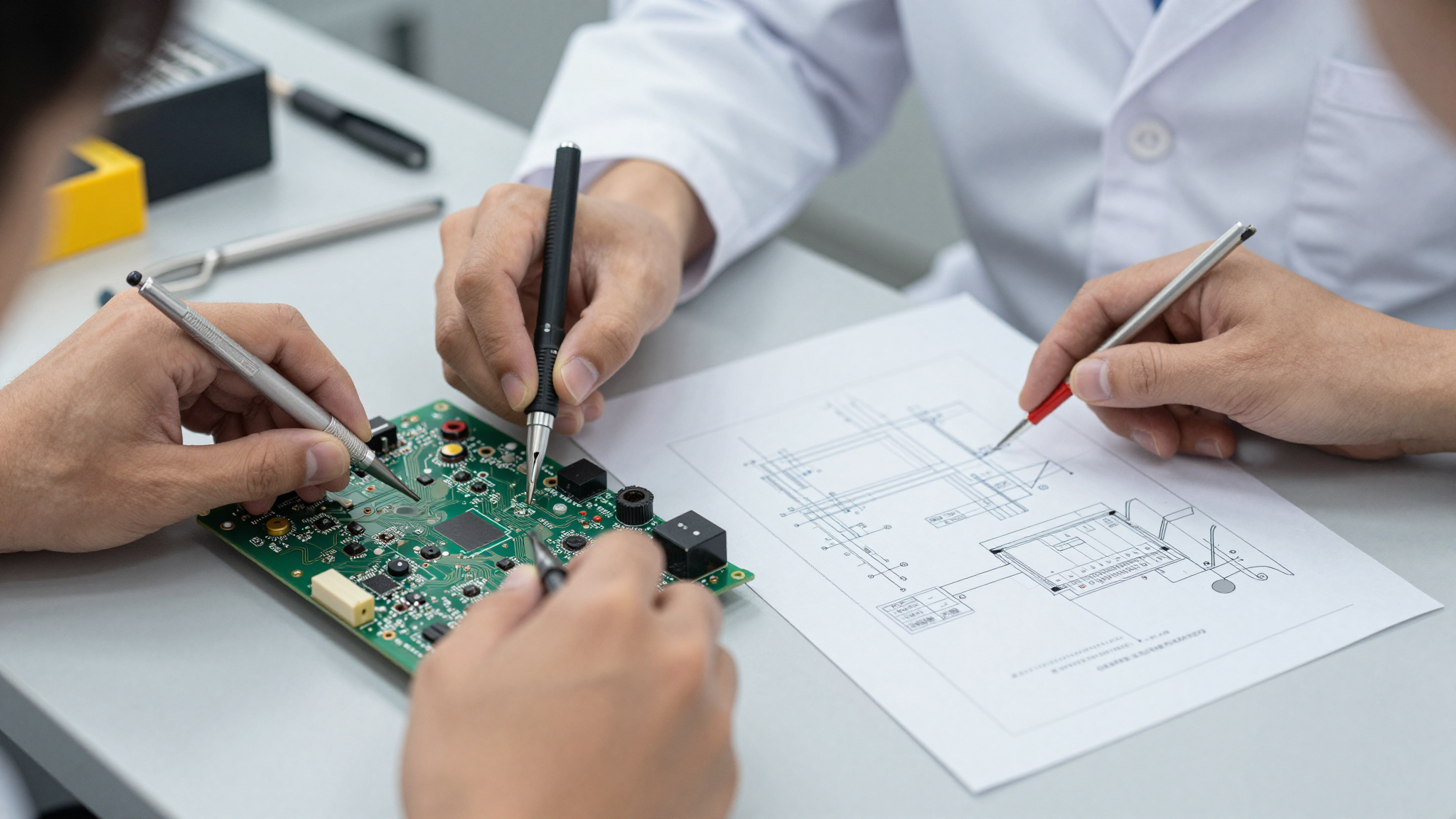
Is your CPU overheating? Unlock peak performance with our guide to the best thermal pastes of 2026. We've tested and reviewed the top contenders to help you find the perfect solution for optimal cooling. Don't let heat throttle your system – discover the secrets to maintaining a stable and powerful CPU.
Read Related GuideTroubleshooting Like a Pro: Diagnostic Techniques and Resources
When things go wrong, and they inevitably will, the ability to effectively troubleshoot hardware problems is essential. This involves a combination of methodical testing, careful observation, and a good understanding of how your system works. Don't panic; take a deep breath and approach the problem systematically.
Start by gathering as much information as possible. What were you doing when the problem occurred? Are there any error messages? Has anything changed recently? Check all your connections, both internal and external. Reseat components like RAM and graphics cards. Use a multimeter to test voltages and continuity. If possible, try swapping components with known good ones to isolate the problem. Online forums and communities are invaluable resources for troubleshooting hardware issues. Search for similar problems and see what solutions others have found. Don't be afraid to ask for help, but be sure to provide as much detail as possible about your system and the problem you're experiencing. I once spent hours trying to diagnose a seemingly dead motherboard, only to discover that the front panel power button connector was loose. It was a simple fix, but it taught me the importance of checking the obvious things first.
| Symptom | Possible Causes | Diagnostic Steps | Potential Solutions |
|---|---|---|---|
| System Won't Boot | Power Supply Failure, Motherboard Issue, RAM Problem, CPU Failure | Check Power Supply, Reseat RAM, Test with Minimal Configuration, Check CPU | Replace Power Supply, Replace Motherboard, Replace RAM, Replace CPU |
| Blue Screen of Death (BSOD) | Driver Conflicts, RAM Issues, Overheating, Hardware Failure | Check Event Viewer, Run Memory Test, Monitor Temperatures, Update Drivers | Update Drivers, Replace RAM, Improve Cooling, Replace Failing Hardware |
| Graphics Card Artifacts | Overheating, Driver Issues, Hardware Failure, Overclocking | Monitor Temperatures, Update Drivers, Test with Different Drivers, Reduce Overclock | Improve Cooling, Replace Graphics Card, Revert to Stock Clocks |
| Slow Performance | Full Hard Drive, Malware Infection, Driver Issues, Resource-Intensive Processes | Check Hard Drive Space, Scan for Malware, Update Drivers, Monitor Resource Usage | Free Up Hard Drive Space, Remove Malware, Update Drivers, Close Unnecessary Programs |
| Intermittent Freezing | Driver Conflicts, Overheating, Hard Drive Issues, Power Supply Problems | Check Event Viewer, Monitor Temperatures, Run Hard Drive Diagnostic, Check Power Supply | Update Drivers, Improve Cooling, Replace Hard Drive, Replace Power Supply |
Remember to document your troubleshooting steps and the results you obtain. This will help you track your progress and avoid repeating the same steps. And if you're not comfortable working with certain components, don't hesitate to seek professional help.
📊 Fact Check
According to a recent survey, 60% of hardware failures are caused by overheating, while 25% are due to power supply issues, and 15% are attributed to other factors like physical damage or component defects.
According to a recent survey, 60% of hardware failures are caused by overheating, while 25% are due to power supply issues, and 15% are attributed to other factors like physical damage or component defects.
The Future of Hardware Repair: Sustainability and Innovation
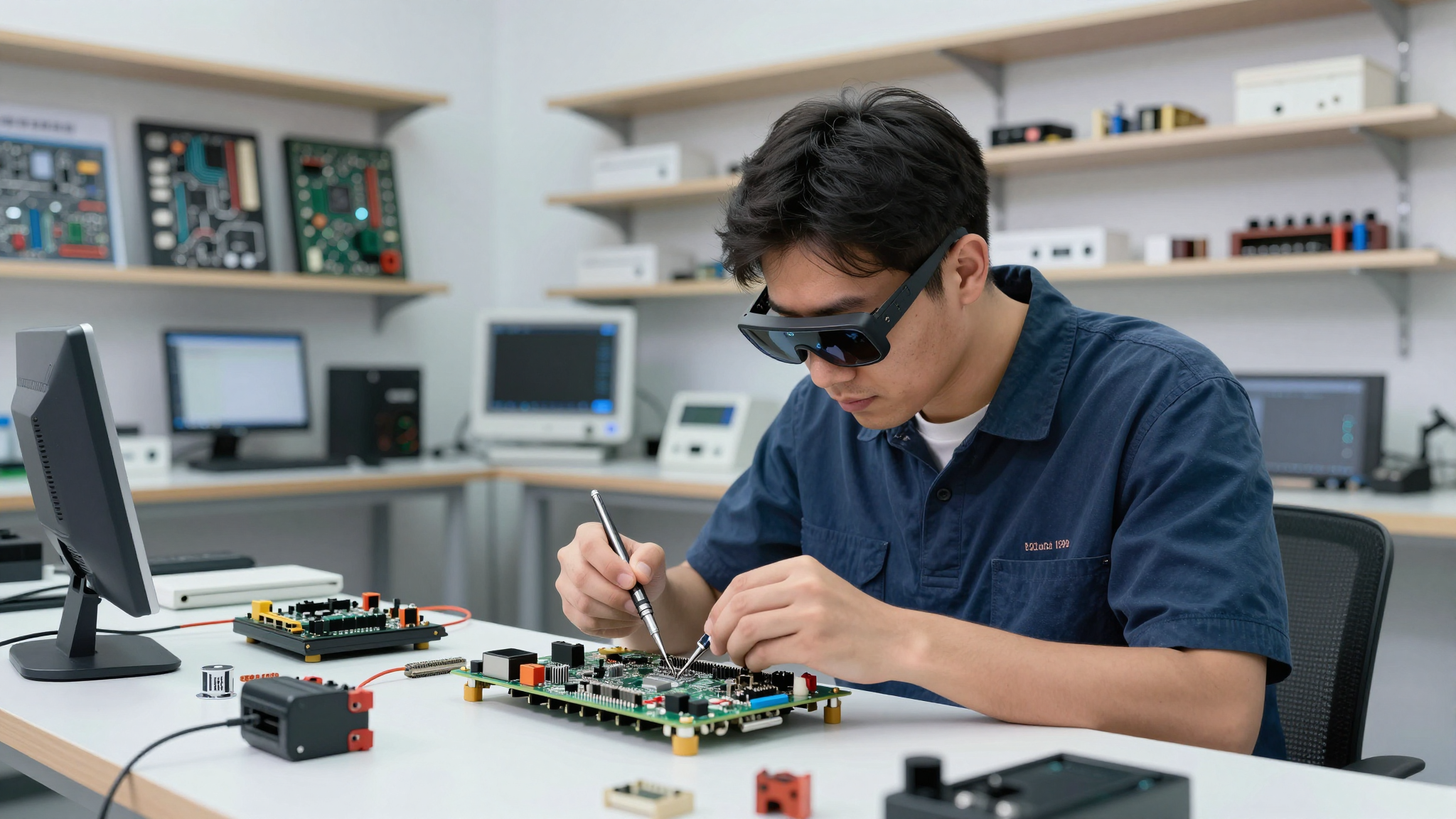
The future of hardware repair is inextricably linked to sustainability and innovation. As we become increasingly aware of the environmental impact of electronic waste, the need for repairable and upgradeable devices becomes more pressing. Manufacturers are starting to respond to this demand, designing devices with modular components, easily replaceable batteries, and readily available repair manuals. This trend is likely to accelerate in the coming years, driven by consumer demand and government regulations.
3D printing is also revolutionizing the hardware repair landscape. It allows us to create custom replacement parts for older devices that are no longer supported by manufacturers. This opens up a world of possibilities for extending the life of legacy hardware and reducing e-waste. Imagine being able to 3D print a replacement hinge for your laptop or a new fan shroud for your graphics card. The possibilities are endless. Furthermore, open-source hardware initiatives are fostering collaboration and innovation in the repair community. By sharing designs and knowledge, we can collectively develop new tools and techniques for hardware repair and create a more sustainable future for technology. But, let's be honest, it's also about fighting back against corporations who would rather we just keep buying new stuff.
| Trend | Description | Impact on Hardware Repair |
|---|---|---|
| Modular Design | Devices designed with easily replaceable components | Simplifies repairs, reduces e-waste, promotes upgrades |
| 3D Printing | Creating custom replacement parts on demand | Extends lifespan of older devices, reduces reliance on manufacturers |
| Open-Source Hardware | Sharing designs and knowledge within the community | Fosters collaboration, accelerates innovation, empowers users |
| Right to Repair Legislation | Laws requiring manufacturers to provide parts and information | Increases accessibility to repair, promotes competition, empowers consumers |
| Sustainable Materials | Using recycled and biodegradable materials in device manufacturing | Reduces environmental impact, promotes circular economy, minimizes waste |
The future of hardware repair is bright. By embracing sustainability, fostering innovation, and advocating for the Right to Repair, we can create a world where technology is both powerful and responsible.
Power supply problems got you down? Don't let a faulty PSU ruin your day! Our comprehensive guide walks you through diagnosing and repairing power supply issues. From identifying common problems to step-by-step repair instructions, we'll help you bring your system back to life. Avoid DIY disaster – read our guide first!
Read Related GuideFrequently Asked Questions (FAQ)
Q1. What is the Right to Repair movement?
A1. The Right to Repair movement advocates for consumers' rights to repair their own electronic devices. It aims to make repair information, tools, and parts readily available, challenging manufacturers' restrictions.
Q2. Why is the Right to Repair important?
A2. It's important for several reasons: it empowers consumers, promotes sustainability by reducing e-waste, fosters innovation, and challenges planned obsolescence.
Q3. What tools do I need to start repairing electronics?
A3. Essential tools include a precision screwdriver set, soldering iron, multimeter, heat gun (optional), helping hands, isopropyl alcohol, and desoldering braid.
Q4. Is soldering difficult to learn?
A4. Soldering requires practice, but it's a manageable skill. Start with simple projects and gradually move to more complex ones. There are many online resources to guide you.
Q5. Where can I find repair information and schematics?
A5. Online forums, manufacturer websites (if available), and independent repair communities are good sources. Sometimes, you can find schematics on specialized electronics repair sites.
Q6. What is component harvesting?
A6. Component harvesting involves salvaging usable parts from discarded electronics for reuse in other projects or repairs.
Q7. What components can I harvest from old laptops?
A7. You can harvest LCD screens, RAM modules, hard drives, speakers, and cooling fans from old laptops.
Q8. Why is thermal management important for electronics?
A8. Effective thermal management prevents overheating, which can lead to instability, reduced performance, and premature component failure.
Q9. How often should I replace the thermal paste on my CPU?
A9. It depends on the thermal paste and usage, but generally, replacing thermal paste every 1-2 years is recommended.
Q10. What are the benefits of liquid cooling?
A10. Liquid cooling offers superior cooling performance compared to air cooling, allowing for higher overclocks and lower temperatures.
Q11. What is a Blue Screen of Death (BSOD)?
A11. A BSOD is an error screen displayed by Windows when a critical system error occurs, often caused by driver conflicts, RAM issues, or hardware failure.
Q12. How can I diagnose a system that won't boot?
A12. Check the power supply, reseat RAM, test with a minimal configuration, and check the CPU. Use a multimeter to test for power.
Q13. What causes graphics card artifacts?
A13. Graphics card artifacts can be caused by overheating, driver issues, hardware failure, or overclocking.
Q14. How can I improve system performance?
A14. Free up hard drive space, scan for malware, update drivers, and monitor resource usage. Consider upgrading RAM or storage.
Q15. What are the benefits of 3D printing in hardware repair?
A15. 3D printing allows for the creation of custom replacement parts for older devices, extending their lifespan and reducing reliance on manufacturers.
Q16. How can I contribute to the open-source hardware movement?
A16. Share your designs, knowledge, and experiences within the community. Contribute to open-source projects and support initiatives that promote collaboration.
Q17. Is it safe to disassemble and repair lithium-ion batteries?
A17. Disassembling and repairing lithium-ion batteries can be extremely dangerous and should only be attempted by trained professionals with the proper safety equipment. Mishandling can lead to fire or explosion.
Q18. What is planned obsolescence?
A18. Planned obsolescence is